Skip to content
加速百科
Main Navigation
首页
新手指南
获取节点与流量
Appearance
Menu
Return to top
On this page
MacOS Globelink 详细安装教程
在浏览器中登录
Globelink用户端
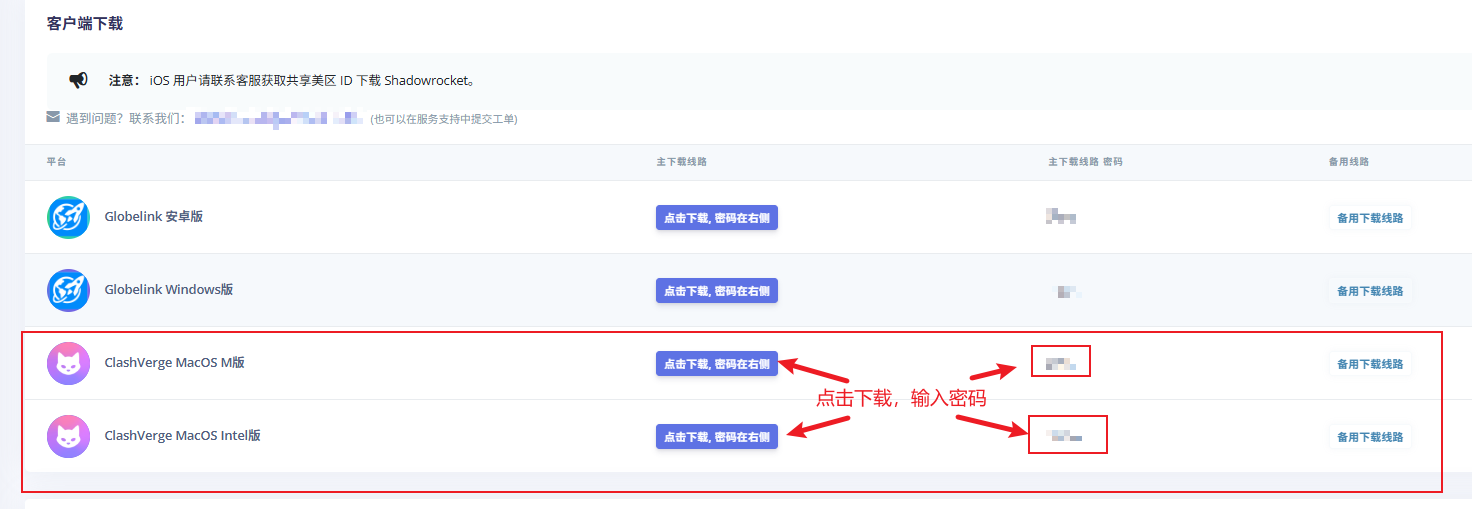
在以仪表盘找到客户端下载,找到Globelink MacOS,点击下载。
安装Globelink
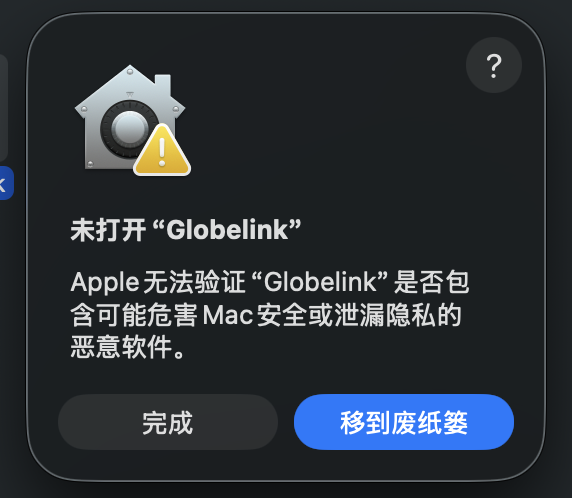
Command + Space 找到 Globelink,点击启动,启动可能弹出阻止
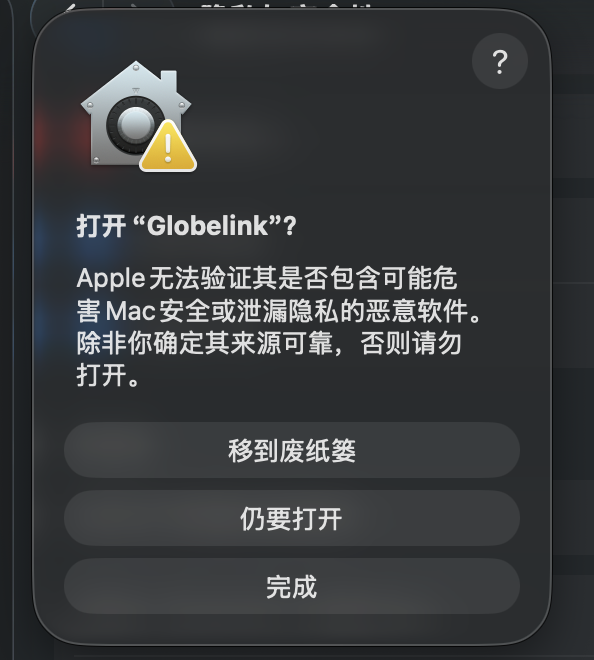
这时候需要 Command + Space 找到 隐私与安全性,向下滚动,然后点按“仍要打开”按钮
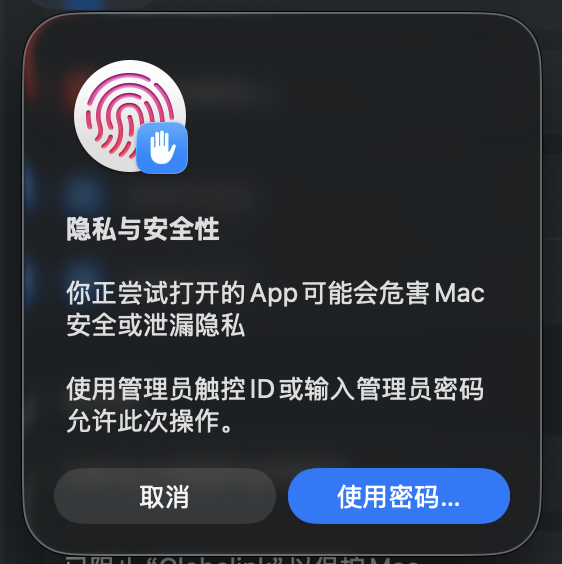
输入一次密码或者指纹
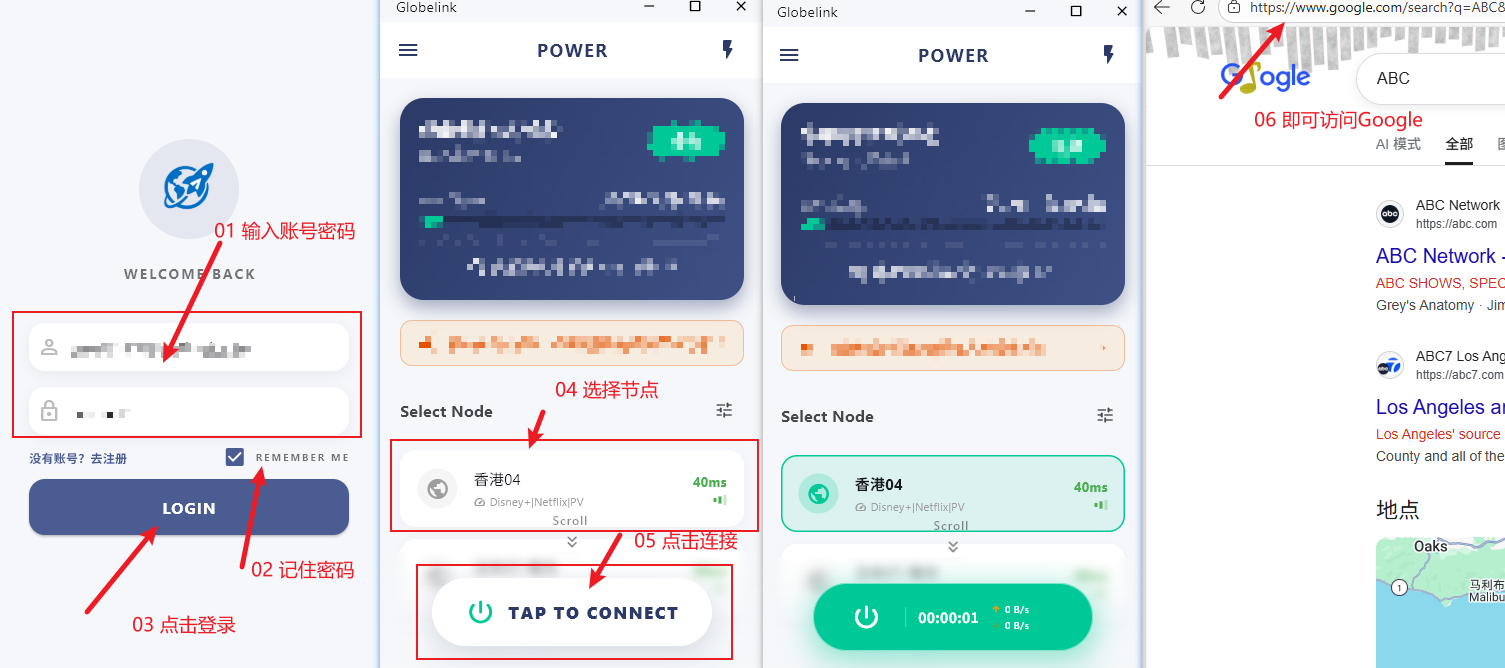
启动后输入浏览器中登录
Globelink用户端
时的账号和密码,选择节点,点击连接即可使用